

Support at a small SaaS company rarely looks like a queue. We know, because we run one. Often, it looks like the same five emails, arriving while you are trying to ship.
A billing question. A bug with a screenshot. A feature request from the customer who pays the most. A cancellation late in the evening. My co-founder and I still answer those ourselves. We built Fernand around that feeling, which means this list is not a survey of the industry. It is eight tools we actually see teams use, and the stage each one seems to fit.
What a SaaS help desk is for
A help desk in this context is not a call center, or a way to handle internal IT needs. It is the place customer messages land.
In 2027, context and interdependcy is key. If the tool you use cannot show billing without opening Stripe in another tab, you will keep opening Stripe. If a screenshot cannot become a Linear issue from the thread, someone will copy it by hand. If the password-reset is not in a knowledge base, you will type it again on Thursday.
...and if you can't pilot all of this with your AI Agent, chances are you'll end up churning.
That is most of the work, for a team of two to fifteen. The rest is taste, and how much software you want sitting between you and the reply.
At a glance
| Help desk | Best for | Entry price | How AI is billed |
|---|---|---|---|
| Fernand | Founders and small SaaS teams | Free, then $29 per human per month | Included, no fee per resolution |
| Help Scout | Email-first teams that want simplicity | Free plan, then $30 per user per month | $0.75 per resolution on paid plans |
| Freshdesk | Budget-driven teams that want a full help desk | 6-month free program, then $19 per agent per month (annual) | Sessions sold in packs |
| Zendesk | Large teams with complex workflows | $55 per agent per month (annual) | Copilot from Professional, $50 per agent, then ~$1.50 per automated resolution |
| Intercom | Enterprises automating support with AI | $29 per seat per month | $0.99 per resolution |
| Front | B2B teams that run on shared email | $35 per user per month | Paid add-ons per seat |
| Plain | Larger technical B2B companies | $55 per user per month | Bundled |
| Pylon | Large B2B companies with account teams | $89 per seat per month | Varies by plan |
Last checked as of November 5th, 2026. Not accurate?
1. Fernand
Fernand is for founders and small SaaS teams who still answer customers themselves.
Email, live chat, Slack Connect, a knowledge base, headless contact forms, and an AI agent share one inbox. Our free plan include all of those, and is the most generous free plan in the industry. Why? Well, we've been in your shoes, and we'd rather have you grow with us, and only charge when you get value. That's also why we don't lock you into an annual contract (actually, we don't even have the option for annual billing!) and you are free to leave any day, no questions asked.
The key to customer support that delights people is context. That's why we put the subscription management, payment data, and issue tracking next to the thread. Stripe, Paddle, Polar, and Lemon Squeezy sit in the sidebar, directly next to the conversation thread. Linear and GitHub let you turn a bug report into an issue, and the conversation automatically reopens once you push a fix, so you can close the loop with customers that were impacted. You can even build your own custom elements from your own API endpoint with Custom Data.
Our AI agent trains on your website, docs, and anything you want to feed it. You can also customize the system prompt so it behaves exactly as you want. It's yours. It drafts in the inbox and answers in the widget. There is no fee per resolution, so everything is always predictable, and you know what your bill will be at the end of the month. You also only pay for members of your team that can directly reply to customers.
- Best for
- SaaS teams of 1 to 15 people who want one calm tool instead of a stack.
- Pricing
- Free with 100 messages a month. $29 per human per month removes the limit and the "Sent via Fernand" line, and adds Slack Connect.
- Where it falls short
- No phone channel, no advanced SLA reporting, and no outbound campaigns. If you run a 50-agent support floor, the enterprise tools below fit better.
2. Help Scout
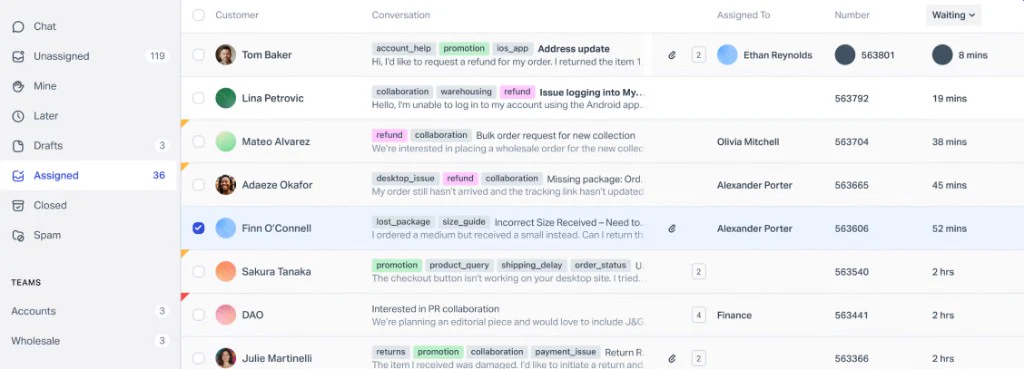
Help Scout is a great tool, but still feels like email. A new teammate usually understands it in an afternoon.
It fits teams that have left a shared Gmail and want to stay close to mail. Automation and reporting are lighter than in the larger platforms. But, that's often the point. The free plan supports email only and up to 100 contacts. Live chat and AI are only available until Standard, at $30 a user.
- Best for
- Small to mid-size teams whose support happens mostly over email.
- Pricing
- Free for 5 users and 100 contacts a month, with no live chat and no AI. Standard starts at $30 per user per month. AI Answers cost $0.75 per resolution on paid plans.
- Where it falls short
- No native phone support. Live chat and AI are not on the free plan.
If you are already on Help Scout and curious on how Fernand compares, we wrote a detailed guide: Help Scout alternative
3. Freshdesk
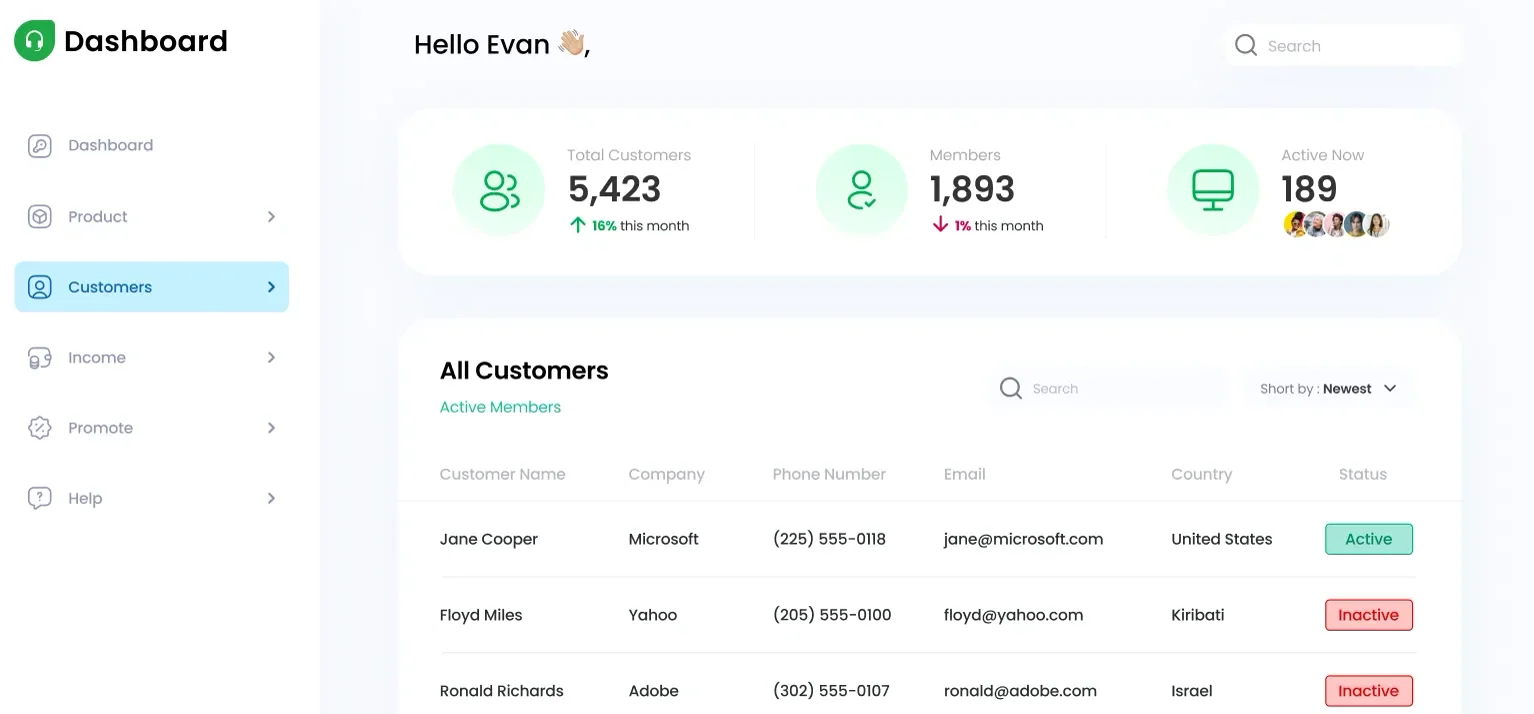
Freshdesk gives you the outline of a full help desk at a pretty low seat price. Ticketing, automations, and a customer portal. Teams that want that outline, and are watching cost, tend to land here.
The product has grown wide. Live chat and "Freddy", their AI agent, sit on other plans and add-ons. The free offer is a six-month program for two agents, which I wrote about in the free help desk for SaaS article.
- Best for
- Budget-conscious teams that want classic ticketing.
- Pricing
- A Free Program for 2 agents, for 6 months, then Growth from $19 per agent per month billed annually. Extra Freddy AI Agent sessions are $49 per 100 after a one-time grant of 500.
- Where it falls short
- The interface feels older, and AI costs are harder to predict at volume.
Fernand and Freshdesk, side by side.
4. Zendesk
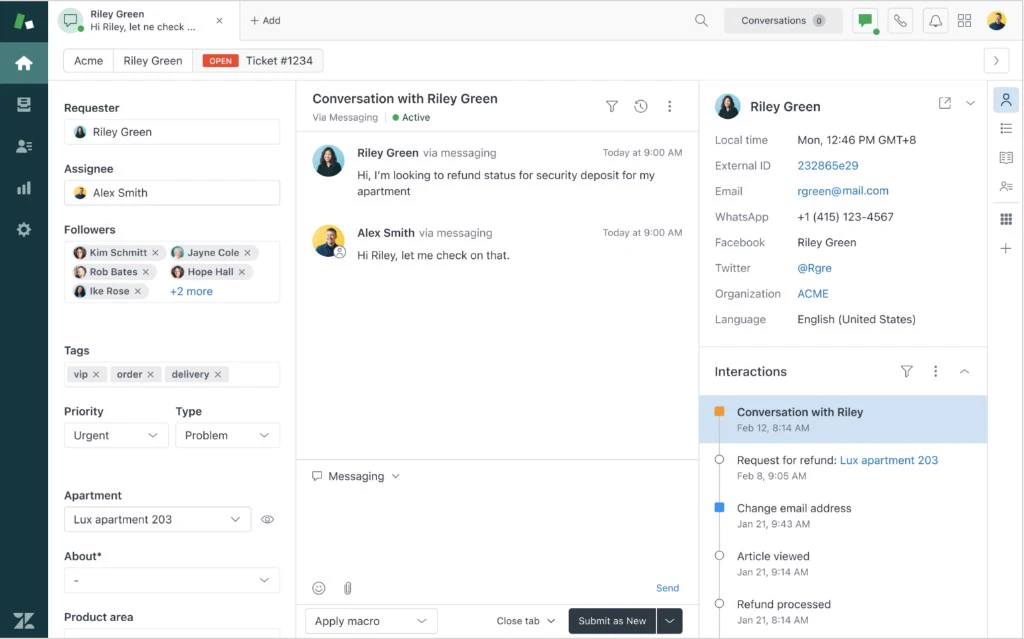
Zendesk is what a large support operation runs. Routing, reporting, a long list of integrations. Teams of hundreds rarely leave it.
We see early teams adopt it because it feels like the serious choice, then spend the next year ignoring most of it and counting the days until they can get out of their annual contract. There is a Zendesk vs Fernand comparison if that is the question you are asking yourself at the moment.
- Best for
- Teams with hundreds of agents, complex workflows, and strict reporting needs.
- Pricing
- Suite Team at $55, Professional at $115, and Enterprise at $169 per agent per month, billed annually. Copilot is $50 per agent, on Professional and above. Automated resolutions are extra after a small allowance, about $1.50 each.
- Where it falls short
- Heavy setup, cluttered, and expensive for a small team.
5. Intercom
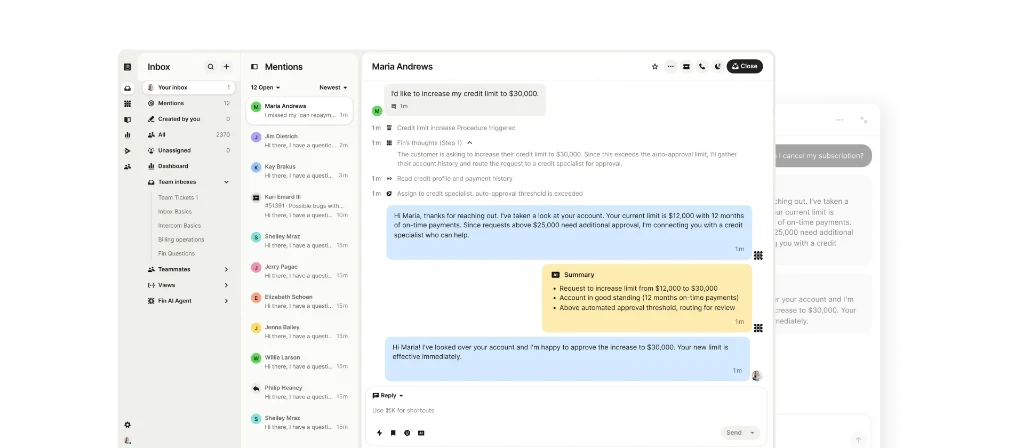
Intercom now leads with Fin, the AI agent.
It is built for volume across chat, email, and phone, with the testing and controls a large support org wants before an agent talks to customers. You pay $29 a seat, then $0.99 each time Fin resolves a conversation. The invoice follows the agent's success.
For a team handling a very large number of conversations, that can still be simpler than hiring. For a two-to-fifteen-person SaaS, it is a lot of product surface to manage. Notes on Intercom.
- Best for
- Large support organizations that want an enterprise-grade AI agent handling volume.
- Pricing
- $29 per seat per month, plus $0.99 per resolution.
- Where it falls short
- Costs are hard to forecast, and it is far more than a small team needs.
6. Front
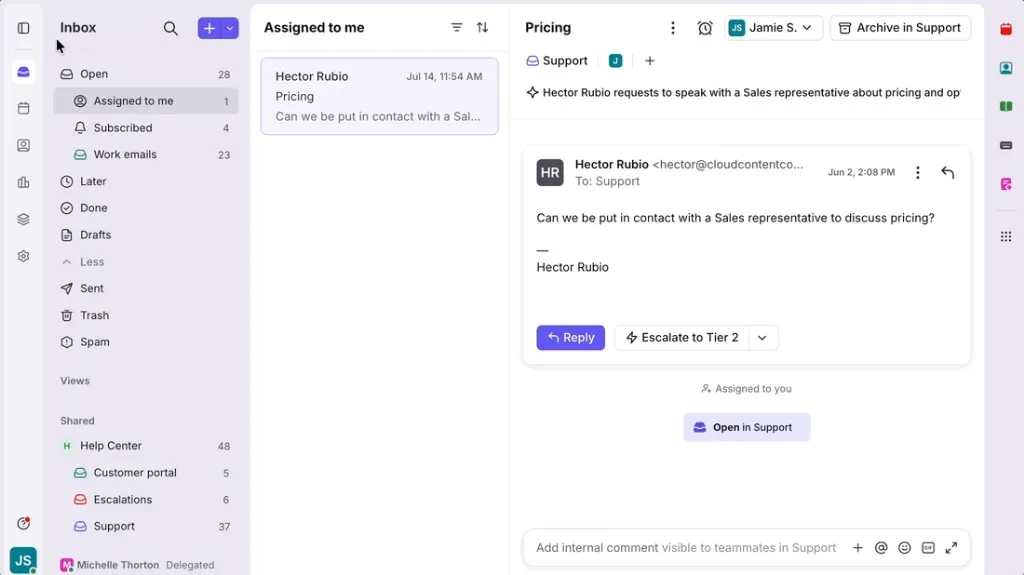
Front is a shared inbox for people who work in the same threads. Comments, drafts, assignment. B2B teams that share customer email often prefer it because it still feels like mail.
AI is sold as add-ons, which is where the seat price tends to move.
- Best for
- B2B teams where several departments share customer email.
- Pricing
- Starter at $35, Professional at $65, and Enterprise at $105 per user per month.
- Where it falls short
- Less suited to high-volume support, and AI costs extra.
7. Plain
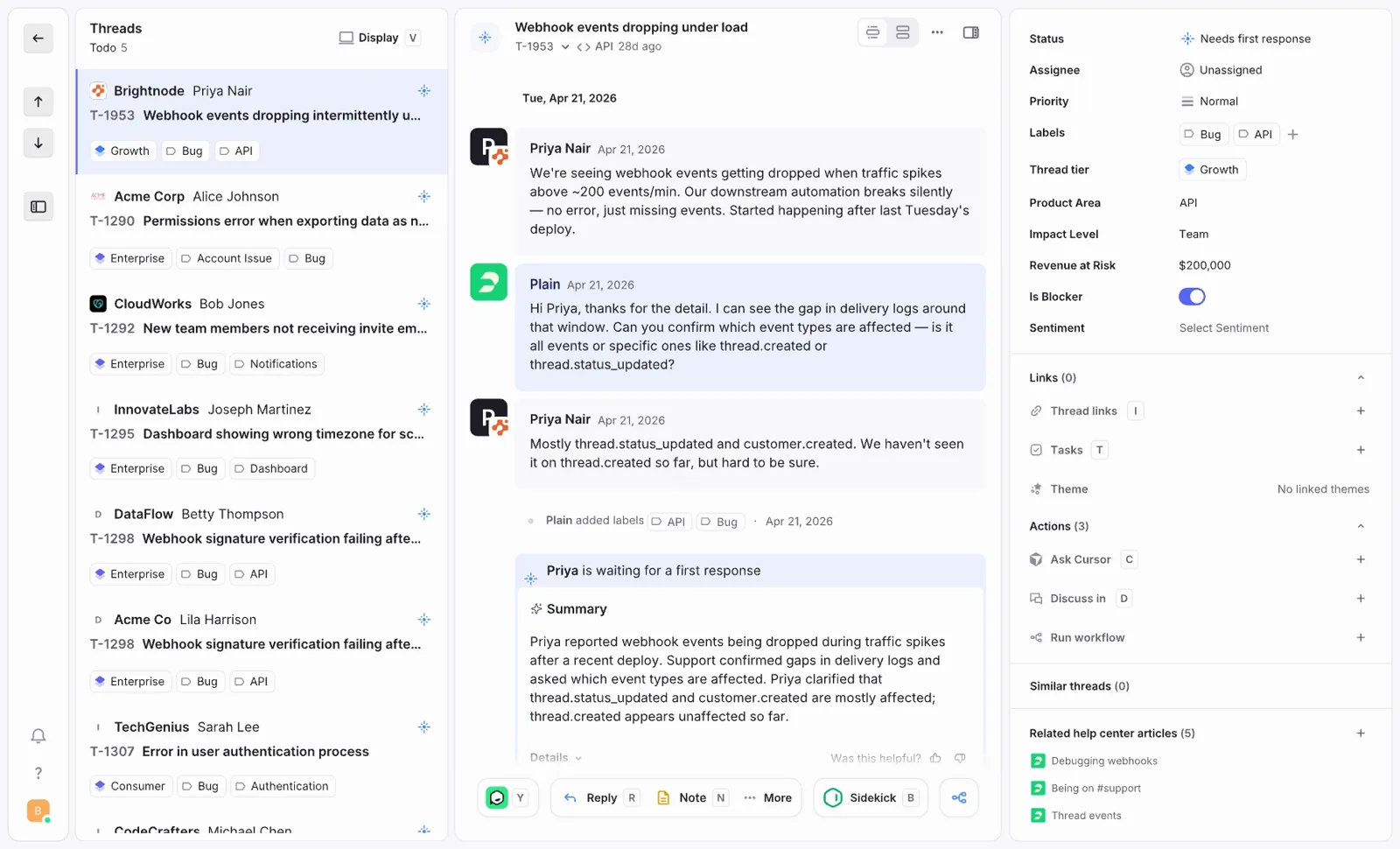
Plain is a beautiful API-first and Slack-native, for technical B2B companies. Engineering can build on it endlessly in a true "headless customer support" fashion.
It is aimed at larger companies. A small team often pays for a scale they are not using, or not needing yet. If you are curious, check out our Plain alternative guide.
- Best for
- Developer-tool companies with customers in shared Slack channels. Delightful UI.
- Pricing
- The Foundation plan starts at $55 per user per month.
- Where it falls short
- Built with enterprise and larger companies in mind, so a small team pays for scale it does not use yet.
8. Pylon
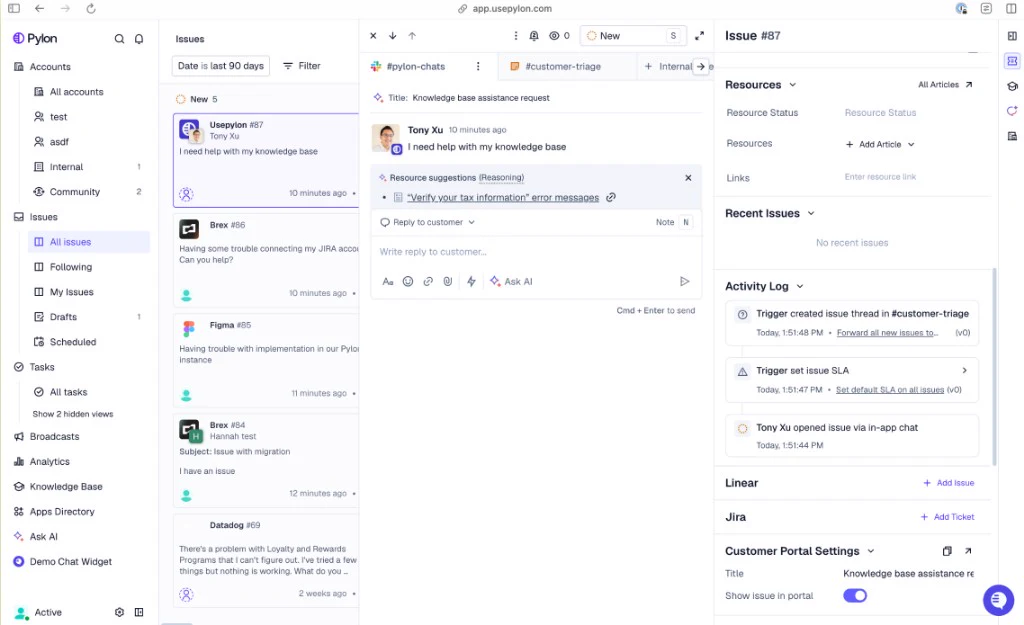
Pylon holds the B2B relationship in one place: support, success, renewals, each conversation tied to an account. While they market to everyone, the platform is clearly geared more towards companies with enterprise customers and a success team.
The entry price starts at $89 a seat. If you mainly need an inbox, it is a lot of surface area, and probably overkill. Also, you'll need to book a demo to sign up... Fernand vs Pylon.
- Best for
- Large B2B companies with enterprise accounts and a dedicated customer success team.
- Pricing
- Plans start at $89 per seat per month.
- Where it falls short
- The most expensive entry price on this list, and built for large companies rather than small teams.
So, how does AI customer support gets billed?
All these platforms try to hook you with the low seat price number on the homepage. AI is often the number that moves, and scales dangerously as you grow.
Fin is $0.99 per resolution. Help Scout is $0.75. Zendesk Copilot is $50 a seat on Professional, then about $1.50 per automated resolution. Freshdesk sells sessions in packs. Fernand and Plain include it directly in the initial price, so you always know what to expect.
Per-resolution billing has a strange shape. The better your knowledge base gets, the more the meter runs. The question I would take into a demo call with a provider is simple: what do 1,000 AI-handled conversations cost next month? If you are curious, I put that arithmetic in what AI resolution actually costs.
By stage, as we see it
A founder or a first support hire usually wants something they can start today, with email, live chat and an AI agent included. That is the setup we run, and the one I wrote down here.
A small team that lives in email often ends up on Fernand or Help Scout. Shared Slack channels show up on Fernand, and later on Plain or Pylon as the company gets bigger. Freshdesk appears when the seat budget is tight and classic ticketing is the goal. Zendesk and Fin show up when the team is scaling to hundreds of employees.
I would still try a few tools before deciding. This comparison page is not the work. The mailbox is, and how you feel about it is what really matters.
Fernand is free to start if you want to see this stack on your own mail.